
Virtual Assistant



i. “Before you begin you will need to have an authentication app if you already haven’t installed click link if you have not already installed”
Open a web browser (Mozilla Firefox, Google Chrome or not recommended Internet Explorer/Edge)
In the address bar type the following https://remote.lifespire.org
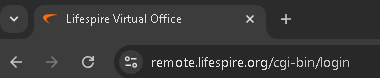
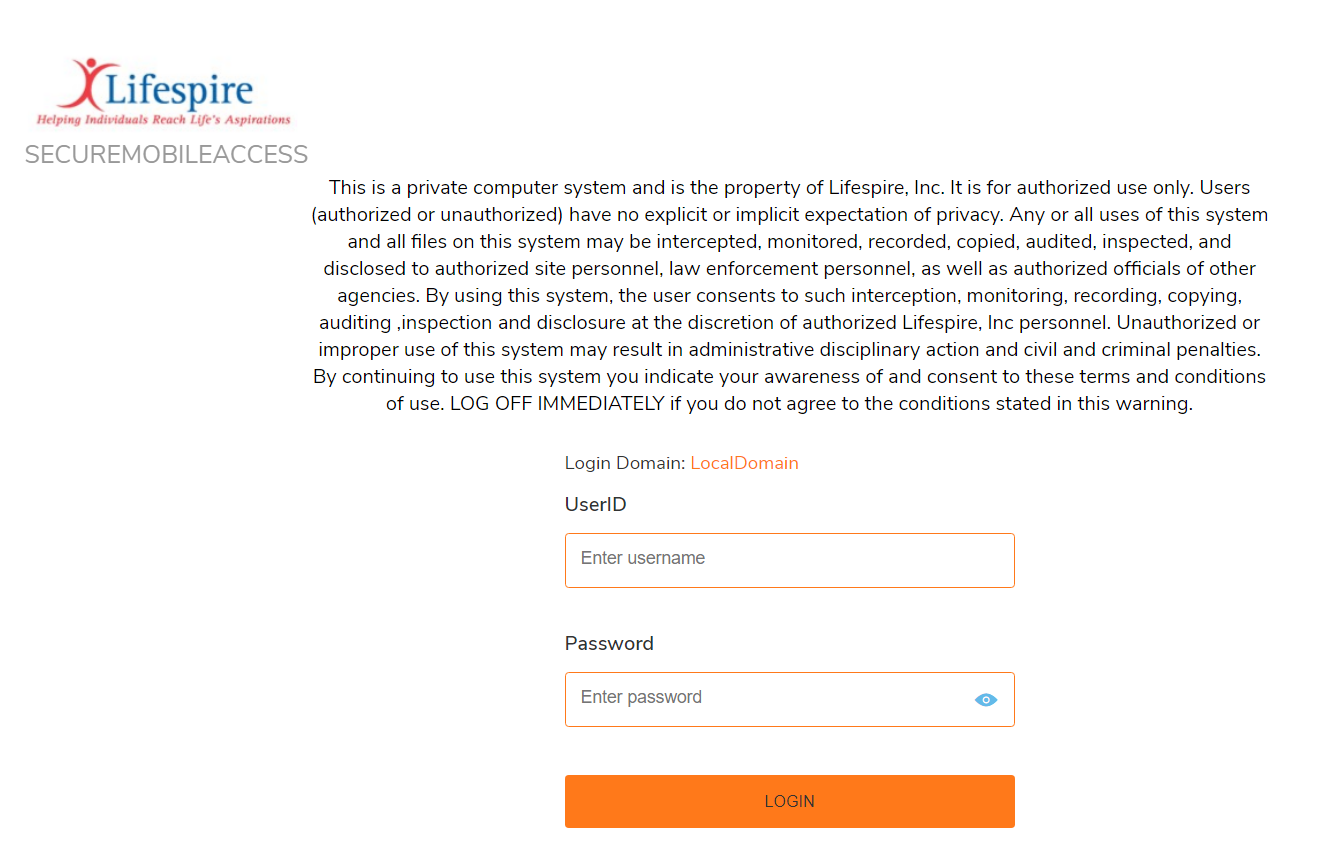
This will load
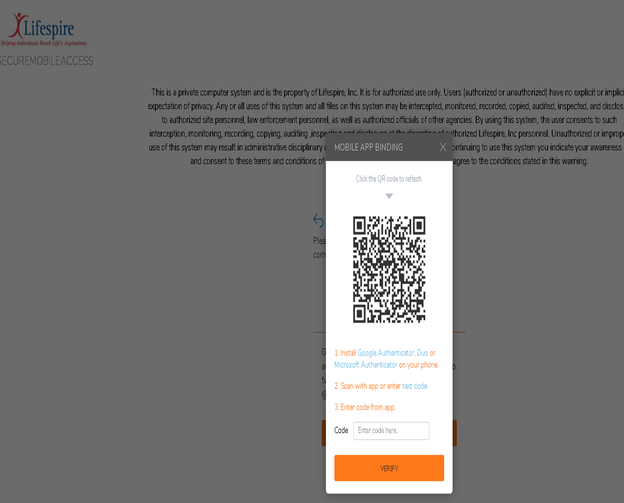
The next page will start the setup of the 2fa process open your authentication app on your phone and follow on screen instructions take pic

of QR code and insert Code in order to bind the device to your account. Make sure you click verify
Click on the
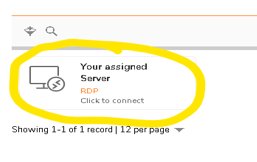
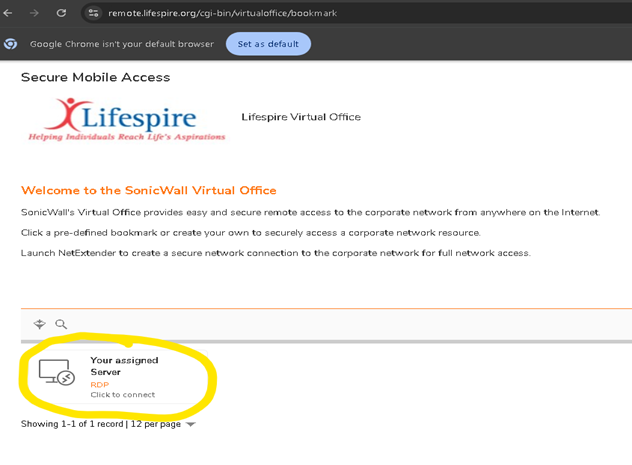
You will
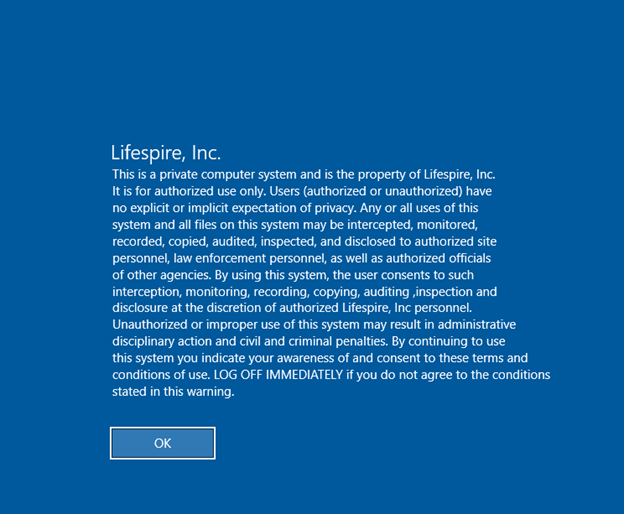
On the next screen click ok button

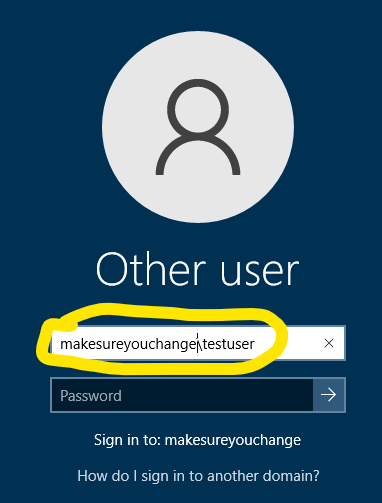
You will need to change the server name on the next screen to Lifespire\yourusername
Change should look like this
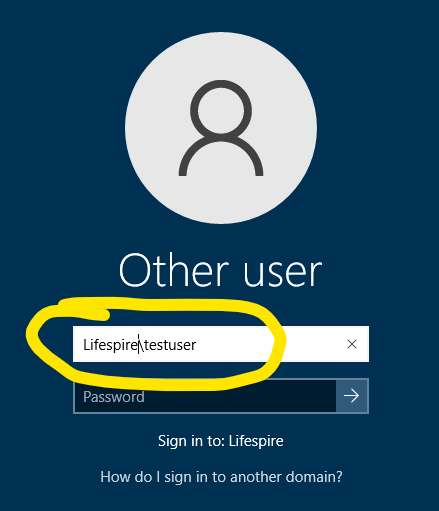
Enter your password to get connected to your desktop